
Records in the Heritage of the Printed Book (HPB) database can be saved, printed, cited, and exported for research and scholarly use. This page explains the different ways to reuse HPB records, outlines citation practices, and clarifies copyright and reuse conditions.
Copyright and reuse
The HPB database is freely accessible and records may be reused for private study, scholarship, research, and informational purposes.
Copyright notice
The HPB database is the copyrighted product of the contributing members of the Consortium of European Research Libraries (CERL) and/or their suppliers. Users may reproduce a single copy of any record retrieved online for private study, scholarship, research, or information. Records may not be stored electronically for resale, redistribution, or ongoing automated searching.
Citing HPB Records
When citing HPB records, use the permanent link available in the Full title view of each record. This will provide you with the following URL pattern: http://hpb.cerl.org/record/, for example: http://hpb.cerl.org/record/BE-KBR00.CAT.1_1405830.
Saving records
The Save / Print Record option is available at the top right of the HPB interface.
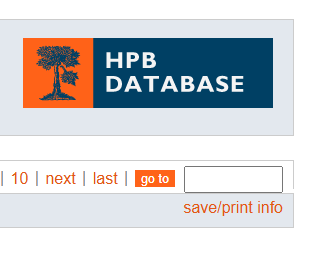
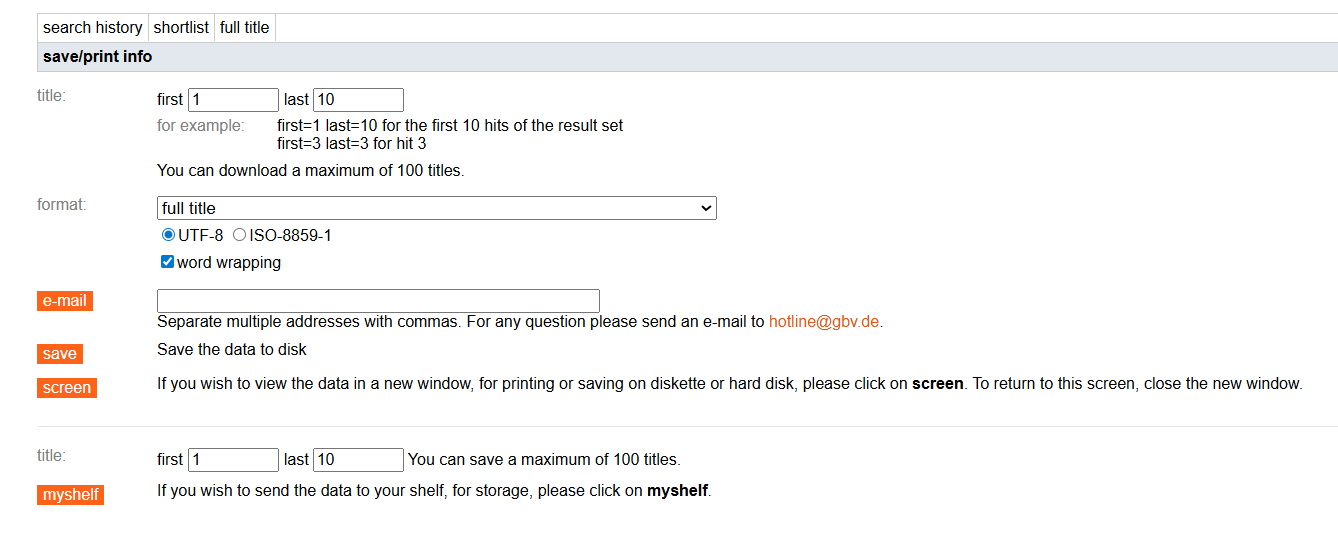
This function allows you to:
- save records to your computer
- email records to a chosen address
- display records in a new window
- select format and character encoding options
You may download up to 100 records at a time. If you require a larger dataset for research purposes, please contact CERL.
Using MyShelf
Records saved using MyShelf can be retrieved via the Search history tab. Saved items are combined into a single set per session and are not retained once a new HPB session begins.
Downloading and exporting records
Records may be downloaded through the Save / Print Record function (maximum 100 records per session).
For advanced use and large-scale data retrieval, HPB also supports remote querying:
- SRU interface: http://sru.k10plus.de/hpb
- Z39.50 interface: z3950.k10plus.de/hpb (see https://wiki.k10plus.de/display/K10PLUS/Z39.50 for more information)
These services enable integration with library systems and automated querying. Institutions interested in using these interfaces should contact CERL for further guidance.