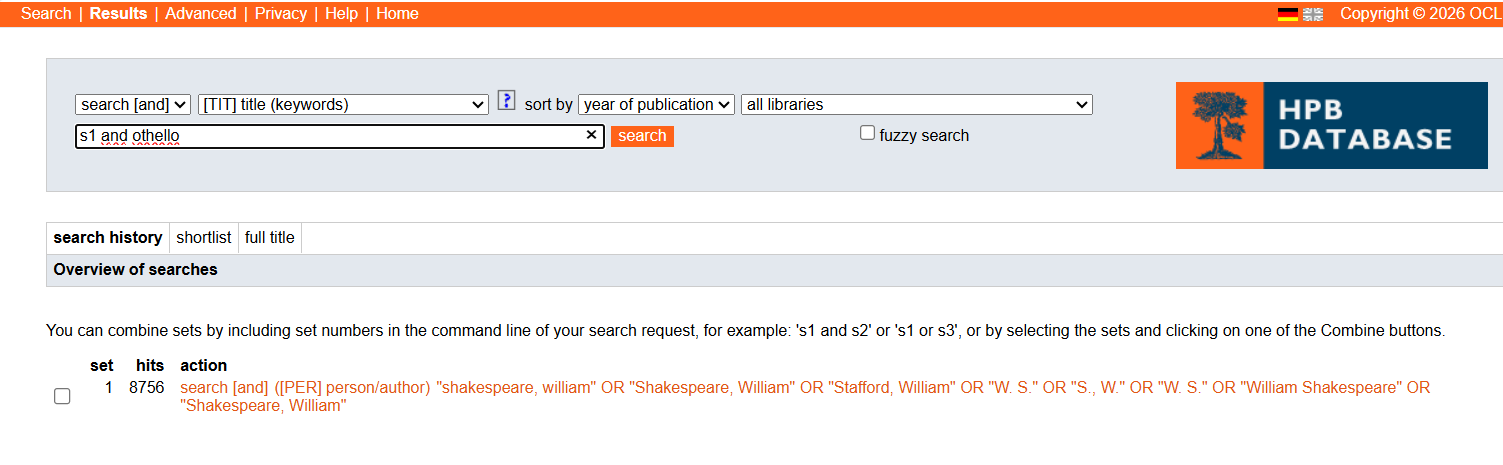
The HPB Simple Search screen (which is the default) offers to add variant name forms from the CERL Thesaurus for:
- Personal names (Index [PER]]
- Corporate body names (Index [COR])
- Imprint names (i.e. printers, publishers, bookseller, …) (Index [IPN])
- Imprint place names (Index [PLC])
The [Add variants] button appears only when any of the four named indexes is selected and only upon typing a search term into the search field.
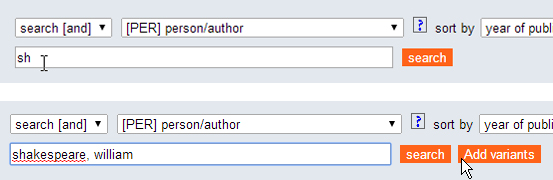
A box opens and shows the results from the CERL Thesaurus. In the CERL Thesaurus there may be multiple records for on entity, which is why this search box offers you numerous options. Select the search terms that you want to apply by using the tick boxes.
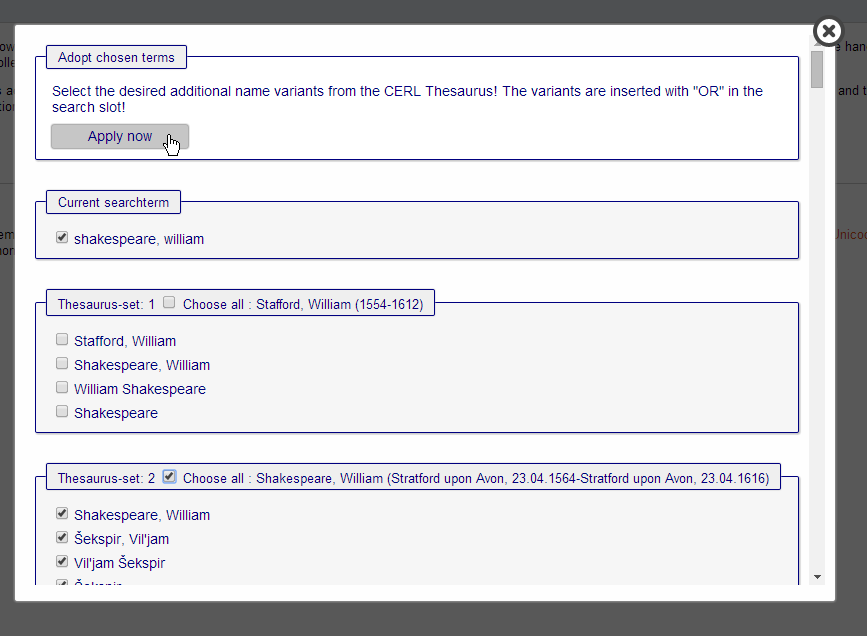
Then hit the [Apply now] button at the top of the box. It is advisable to exclude name forms which are very generic, such as initals – they would make the search less precise.
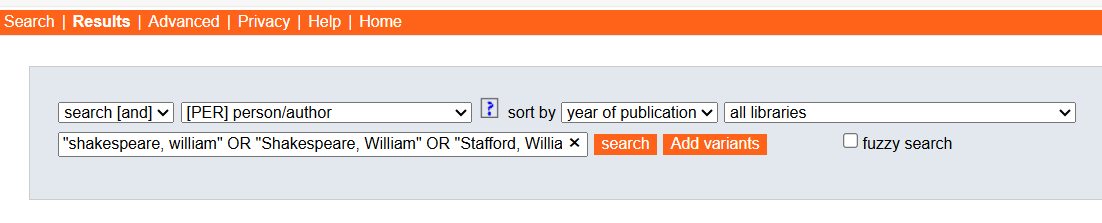
The chosen name forms will be included in your search query:
Combining added variant searches with other search arguments
To combine a variant name search with other search criterions, please use the search history: